Albania
 Argentina
 Australia
 Austria
 Belgium
 Bosnia and Herzegovina
 Brazil
 Bulgaria
 Canada
 Chile
Chile
 Colombia
 Croatia
 Czech Republic
 Denmark
 Estonia
 Finland
 France
 Germany
 Greece
 Hungary
 Ireland
 Italy
Italy
 Latvia
 Lithuania
 Luxembourg
 Mexico
 Moldova
 Montenegro
 Netherlands
 New Zealand
 North Macedonia
 Norway
 Philippines
 Poland
 Portugal
 Romania
 Serbia
 Slovakia
 Slovenia
 South Africa
 Spain
Spain
 Sweden
 Switzerland
 Turkey
 Ukraine
 United Kingdom
 United States of America



Audio Interfaces
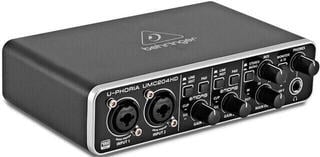
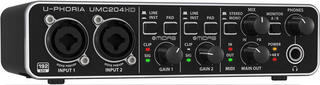
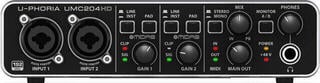
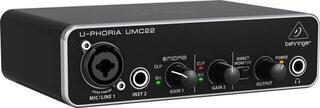
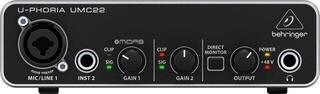
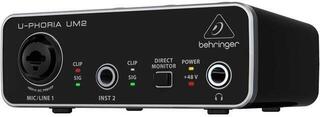
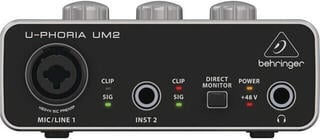
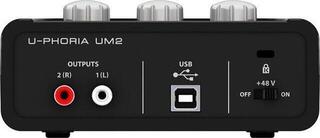
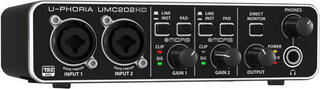
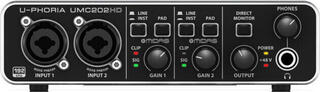
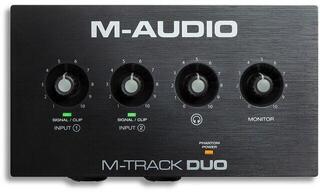
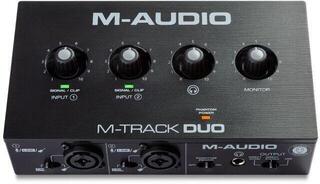
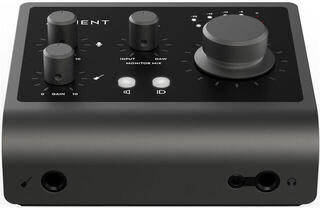
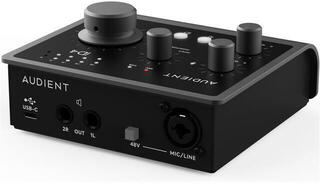
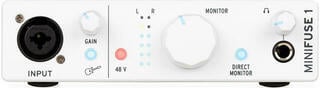
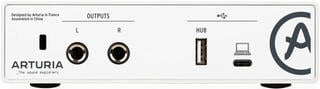
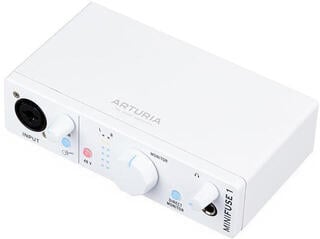
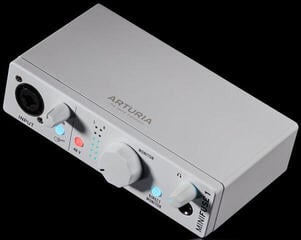
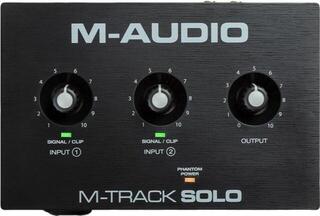
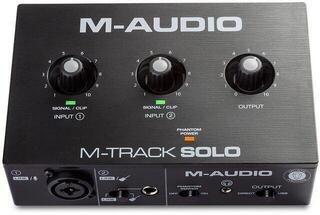
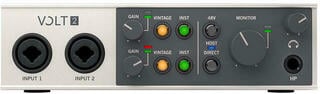
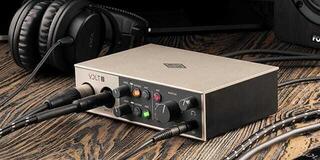
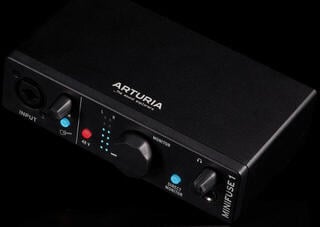
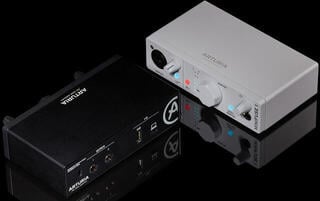
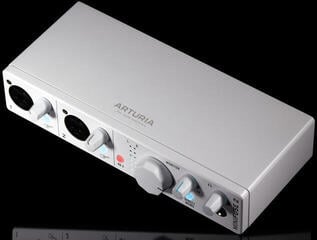
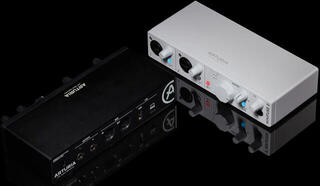
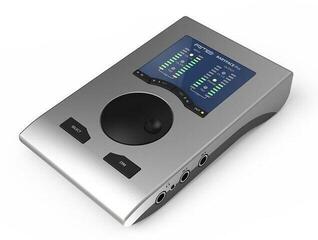
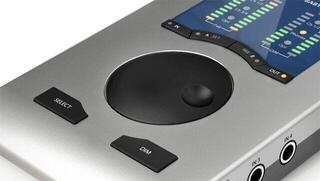
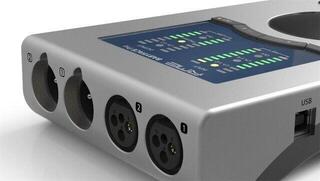
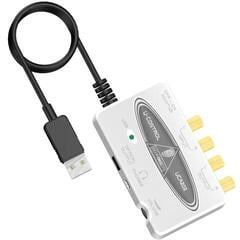
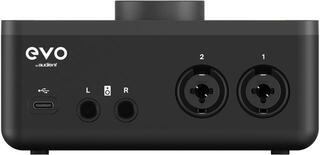
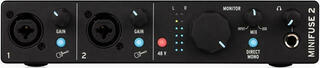
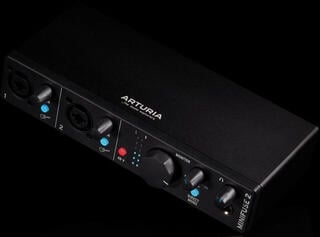
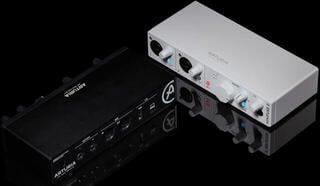
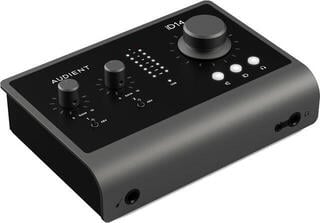
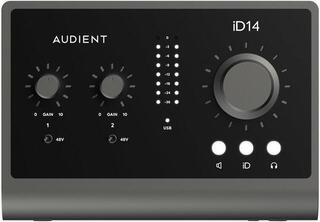
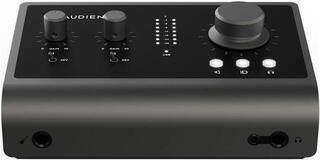
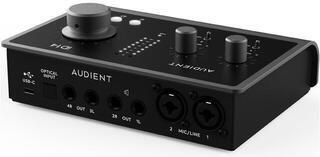
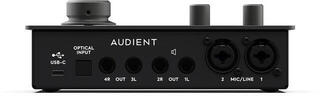
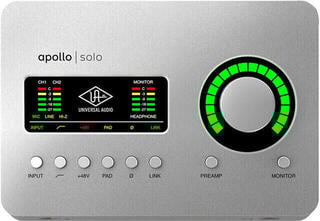
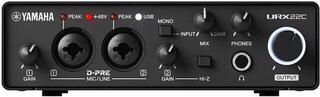
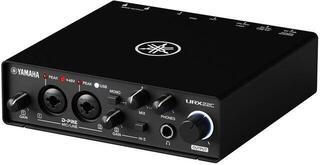
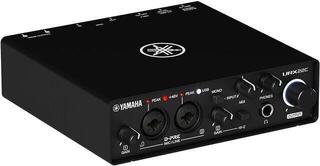
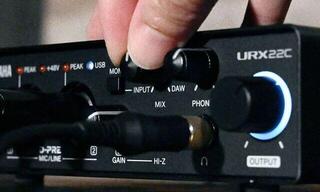
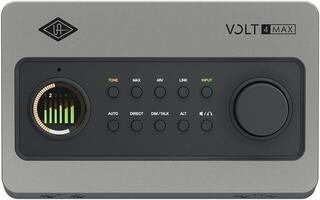
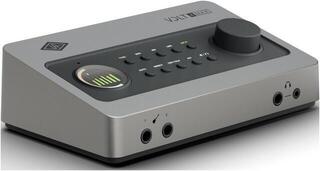
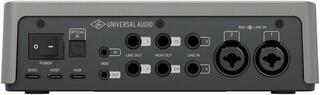
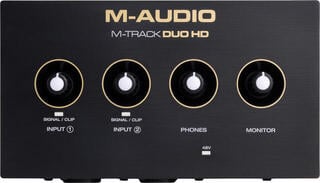
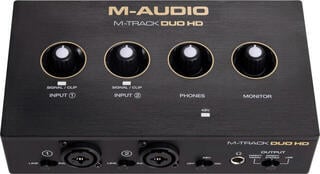
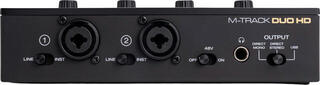
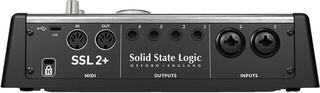
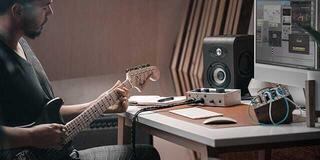
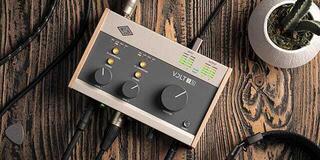
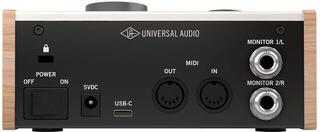
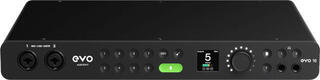
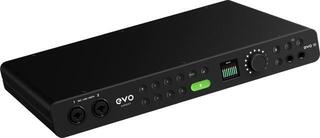
A sound card, more precisely an audio interface, connects microphones, instruments, studio monitors and headphones to a computer or mobile device. During recording it converts analogue signals into digital data, and during playback it performs the reverse conversion. Choose a model according to the number of inputs and outputs you will use simultaneously, the host device's connection, drivers and monitoring options. Higher specification figures alone will not solve an unsuitable microphone, a noisy room or an incorrectly set level.
Start with computer or mobile compatibility
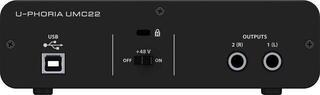
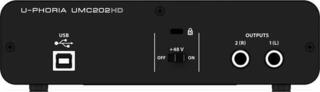
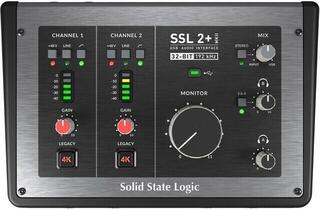
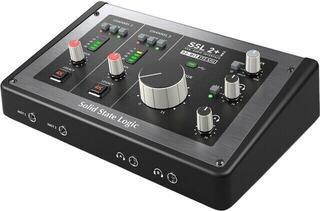
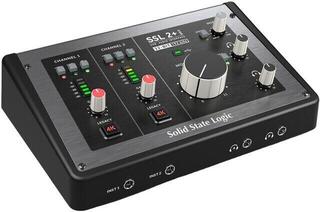
USB audio interfaces cover everything from simple two-channel recording to larger studio systems. The shape of a USB connector alone does not tell you its speed, power capability or audio mode support, so check the specific standard and supplied cable. A bus-powered device reduces the number of adaptors you need, but the computer or phone must provide enough power.
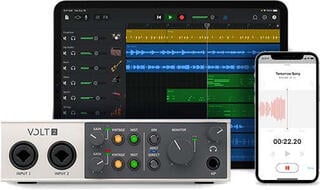
A Thunderbolt interface can offer fast communication and extensive routing, but needs a compatible port, cable and supported system. Likewise, a mobile interface for iOS or Android is not universal to every phone. Check the connector, operating system version, app requirements and any external power needs.
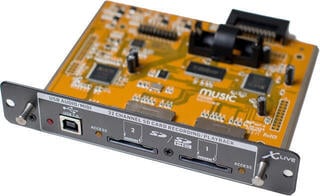
An internal PCI or PCIe card fits inside a desktop computer and suits a fixed system. It occupies the appropriate slot, requires a compatible motherboard and often works with an additional panel or converter. Before buying, check drivers for your operating system and physical space inside the case.
| Type | Advantage | Limitation | Typical user |
|---|---|---|---|
| USB interface | Many sizes and easy portability | Standard, drivers and power requirements need checking | Home studio, musician, podcast |
| Thunderbolt interface | Fast connection and scope for larger systems | Requires full port and system compatibility | More demanding studio work and higher channel counts |
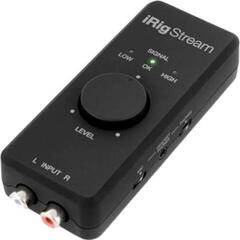
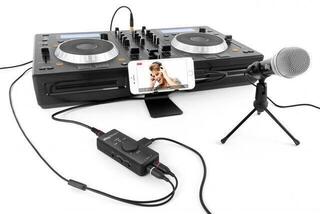
| Mobile interface | Recording with a phone or tablet | Dependent on connector, app and power consumption | Creator on the move |
| Internal card | Permanent integration into a desktop computer | Not quickly portable and requires installation | Permanent workstation |
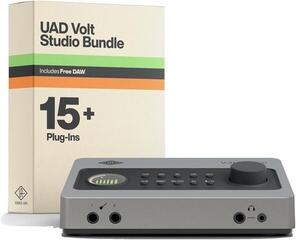
| Bundle | Components selected to get you started together | Each component still needs assessing separately | First recording setup |
How many inputs you really need
Vocals with guitar may need a microphone input and an instrument input at the same time. A stereo keyboard occupies two line inputs, a drum kit needs several microphone preamps, and an interview needs as many inputs as the separate microphones you record. A manufacturer may include digital expansion in the total channel count, even though you cannot use it without additional equipment. Look at the number of physical analogue inputs and the number of channels that can be recorded simultaneously.
Microphone, line and instrument
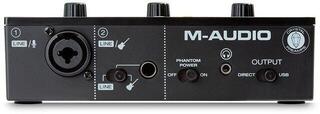
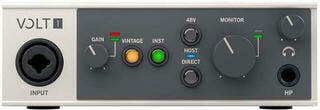
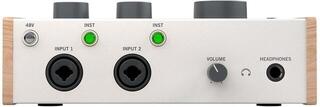
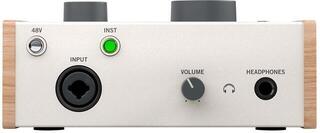
A microphone preamp raises a weak microphone signal to a usable level. A condenser microphone may need phantom power; switch it on according to the manufacturer's instructions and with equipment properly connected. An electric guitar or bass with passive pickups benefits from a high-impedance instrument input. Keyboards, external preamps and mixers usually use line level.
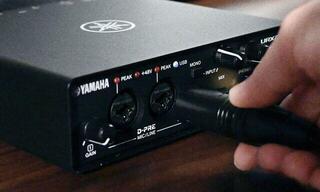
A combo socket accepts more than one physical plug type, but does not always accept every signal level without switching modes. Set the gain during the loudest part of the performance, leaving headroom so the converter does not clip. A recording made at too low a level will reveal more noise when amplified later, while a clipped digital signal generally cannot be repaired.
Outputs and monitoring
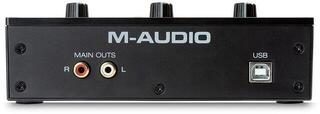
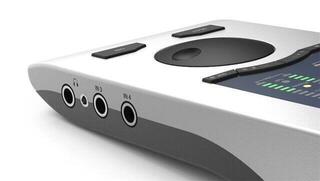
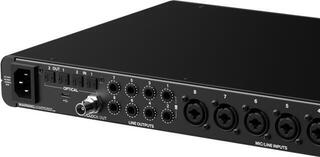
A pair of main outputs is enough for one pair of active monitors. Additional line outputs allow a second monitoring system, external processing or multichannel playback. A separate headphone mix is useful when the performer needs a different instrument balance from the engineer. For multiple headphones, check the number of independent outputs; a simple splitter does not create separate mixes.
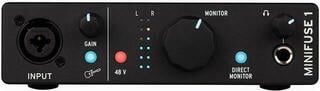
Direct monitoring sends the input to the headphones without passing through the recording software, reducing audible latency. Some interfaces offer only an input/playback blend, while others have an internal mixer with multiple signal paths. If you want to hear software effects while playing, buffer size, computer performance, the driver and the entire project all matter.
Latency, drivers and stability
Latency is the time between input, processing and the return of the sound. It cannot be determined by port type alone. The driver, buffer setting, sample rate, software and system performance all affect it. A smaller buffer reduces latency, but increases the risk of crackling if the computer is overloaded.
Before choosing, visit the manufacturer's support pages and check drivers for your operating system version. For a device that does not need a dedicated driver, check which features are available in class-compliant mode. If you plan to use the interface for a long time, the availability of updates, a manual and a way to save internal routing settings matters.
Figures to read in context
- Sample rate: determines how many times per second the signal is sampled. The project, software and device must use compatible settings.
- Bit depth: relates to the range of the digital recording; you should still leave safe level headroom while working.
- Dynamic range: compare it using a clear measurement method and separately for inputs, outputs and the headphone section.
- Frequency response: the extreme values alone are not enough without a tolerance.
- Channel count: distinguish between analogue connectors, digital expansion and the number of simultaneous conversions.
Digital expansion and synchronisation
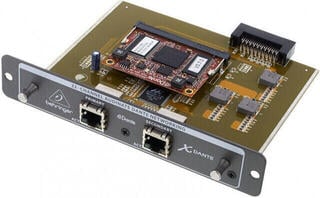
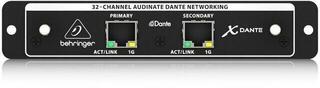
Optical or coaxial digital inputs can expand the channel count using another preamp or converter. Formats, available channel counts and supported sample rates vary. Multiple digital devices need a shared clock and a correctly designated master clock source. Incorrect settings may cause clicks or dropouts.
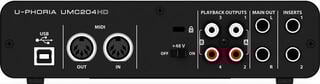
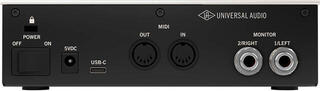
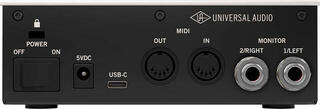
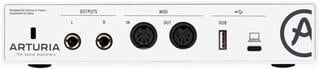
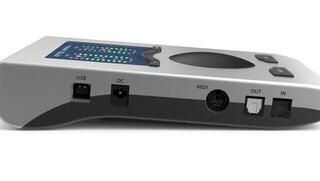
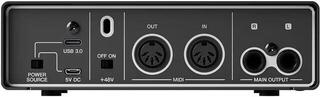
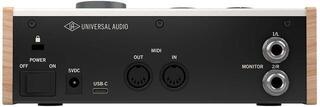
MIDI connectors carry commands for keyboards, automation or other devices rather than audio. If your keyboard sends MIDI over USB directly to the computer, you may not need an interface with conventional MIDI connectors. Draw the complete connection plan before paying for ports without a purpose.
Building a system around the audio interface
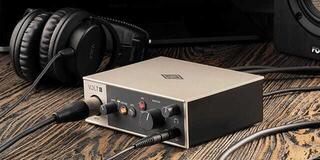
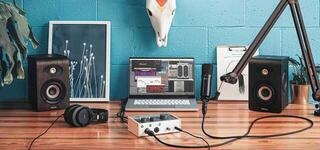
For recording, you need a suitable microphone or instrument, a cable, a stand and, depending on the source, protection against handling noise or plosives. Choose a studio microphone to suit the source and room rather than sensitivity alone. Headphones or studio monitors let you check recordings; monitor placement and room acoustics affect mixing decisions.
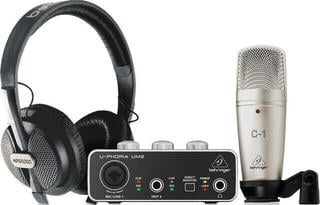
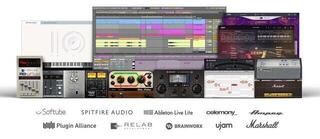
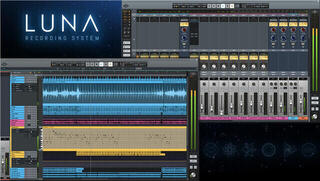
An audio interface bundle can simplify a first purchase if it includes the connectors and accessories you actually need. Check the package contents, microphone type, whether the headphones are closed-back or open-back, and cable lengths. Recording software may be a limited version or require registration; check the current conditions for the product.
A quick selection plan
- Write down how many microphones and instruments you will record at once.
- Add the monitor and headphone outputs you need, along with any digital expansion.
- Check the port, operating system, drivers, power requirements and mobile app support.
- Decide whether you need direct monitoring or an internal mixer.
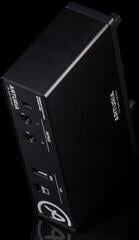
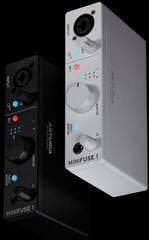
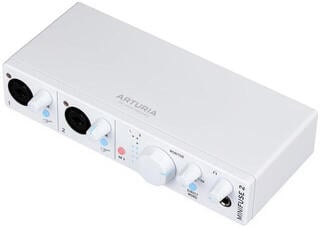
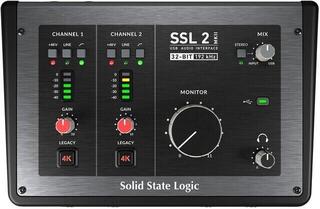
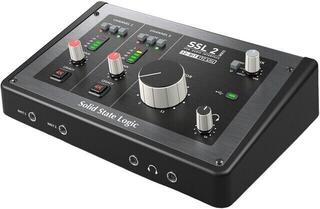
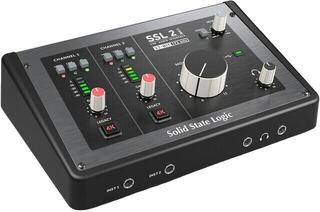
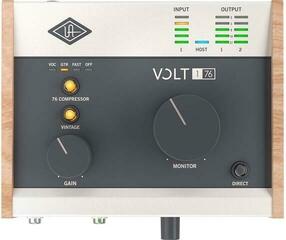
- Check physical dimensions, front-panel controls and access to connectors.
- Include the correct cables, microphone, monitoring equipment and any missing software in your budget.
A home producer will often appreciate a small interface with direct monitoring and one headphone output. A band needs more simultaneous preamps and independent monitor paths, while a mobile creator needs low power consumption and confirmed phone support. A permanent studio may prioritise expansion and routing. Breaking down your needs this way lets you choose an interface for the work you do rather than a general promise of better sound.
Sound cards for beginners
Deals Audio Interfaces

How to choose an audio interface
Unboxed: Audio Interfaces
Bundles: Audio Interfaces
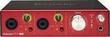
USB Audio Interfaces
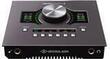
Thunderbolt Audio Interfaces
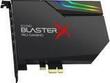
PCI Audio Interfaces
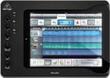
iOS & Android Audio Interfaces

Ethernet Audio Interfaces
DSP Audio Systems
Studio Microphones
Studio Monitors

Studio Headphones
MIDI Master Keyboards
MIDI Controllers
Complete Cables
Studio Software