 Albania
 Argentina
 Australia
 Austria
 Belgium
 Bosnia and Herzegovina
 Brazil
 Bulgaria
 Canada
 Chile
 Colombia
 Croatia
 Czech Republic
 Denmark
 Estonia
 Finland
 France
 Germany
 Greece
 Hungary
 Ireland
 Italy
 Latvia
 Lithuania
 Luxembourg
 Mexico
 Moldova
 Montenegro
 Netherlands
 New Zealand
 North Macedonia
 Norway
 Philippines
 Poland
 Portugal
 Romania
 Serbia
 Slovakia
 Slovenia
 South Africa
 Spain
 Sweden
 Switzerland
 Turkey
 Ukraine
 United Kingdom
 United States of America



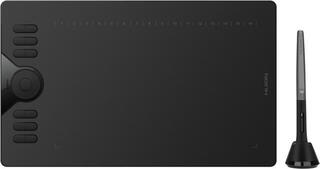
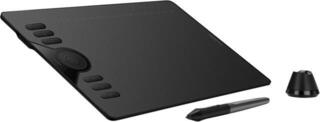
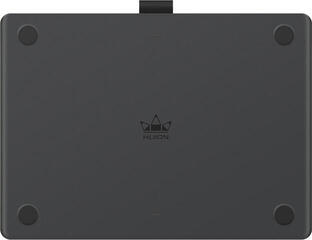
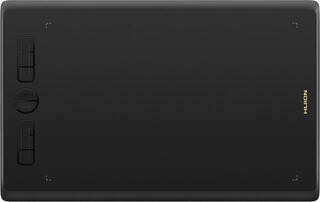
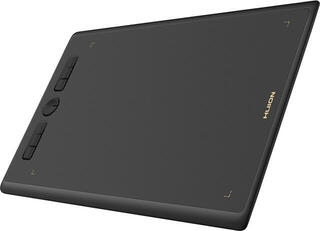
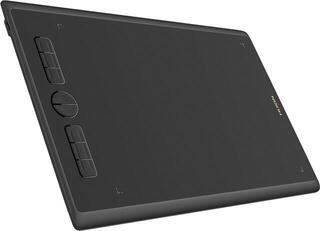
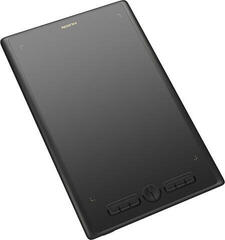
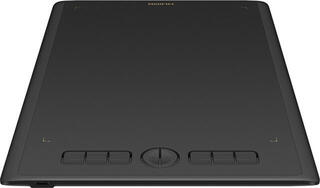
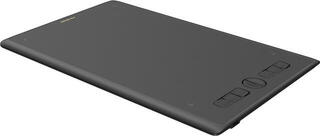
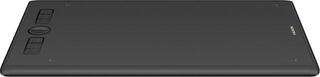
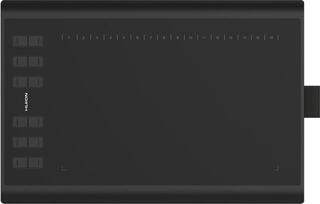
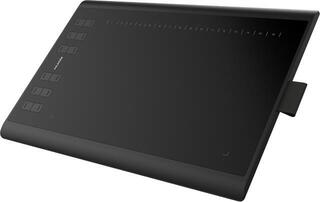
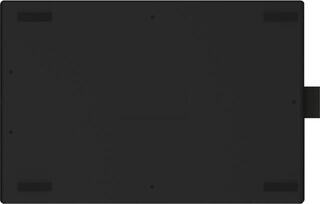
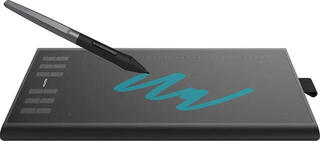
Graphic tablets
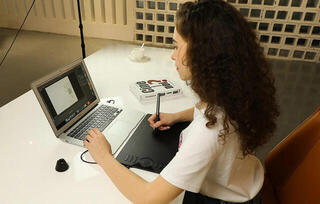
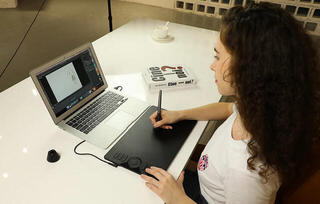
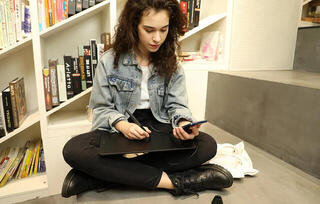
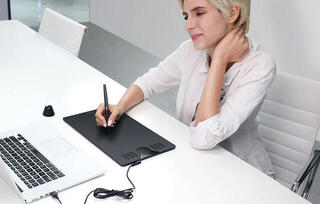
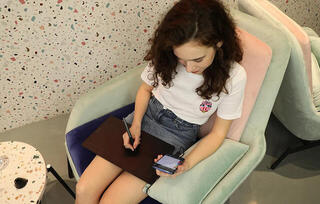
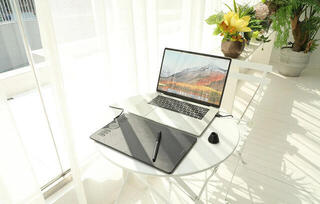
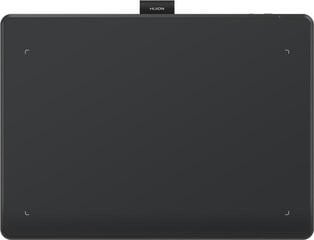
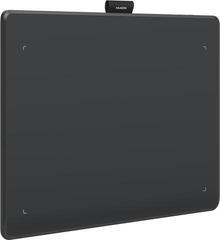
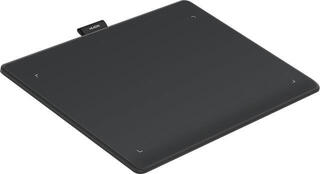
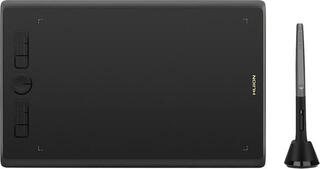
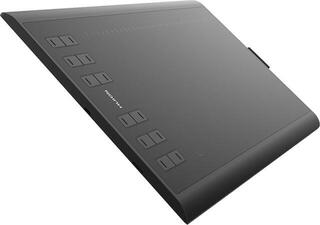
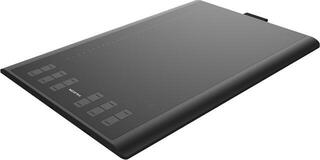
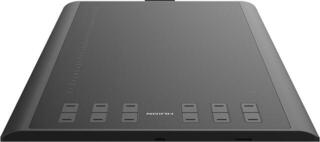
A graphics tablet transfers pen movement to a computer and provides more precise control than a mouse for drawing, retouching or writing notes. A smaller active area that takes up little space is often enough for a beginner; a larger format allows more natural hand movement but requires a larger desk. When choosing, check compatibility with your operating system and the programs you use. Pen features, availability of replacement nibs and connection type are also important.
Work area size
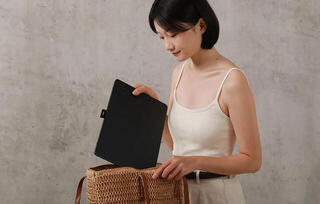
A smaller tablet is easy to carry, and the cursor crosses the screen with a shorter movement. A medium format is often a balanced choice for illustration and photo editing. A large surface suits broad gestures, but it may not offer a practical advantage with a smaller monitor.
The pen and input accuracy
- Pressure sensitivity can change the width or opacity of a stroke when supported by the software.
- Pen tilt is useful with brushes that support it.
- Programmable buttons provide quicker access to frequently used commands.
- A battery-free pen does not need charging; check the battery life of other types.
- Replacement nibs wear more slowly on a clean, undamaged surface.
Tablet with or without a display
A model without a display requires you to look at the monitor, but is generally more compact. A pen display lets you draw directly on the image shown, while requiring more connections and desk space. If you only need precise control of a touchscreen device, also see touch pens and styluses.