Albania
 Argentina
 Australia
 Austria
 Belgium
 Bosnia and Herzegovina
 Brazil
 Bulgaria
 Canada
 Chile
 Colombia
 Croatia
 Czech Republic
 Denmark
 Estonia
 Finland
 France
 Germany
 Greece
 Hungary
 Ireland
 Italy
 Latvia
 Lithuania
 Luxembourg
 Mexico
 Moldova
 Montenegro
 Netherlands
 New Zealand
 North Macedonia
 Norway
 Philippines
 Poland
 Portugal
 Romania
 Serbia
 Slovakia
 Slovenia
 South Africa
 Spain
 Sweden
 Switzerland
 Turkey
 Ukraine
 United Kingdom
 United States of America


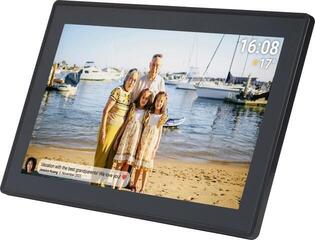
Digital Photo Frames
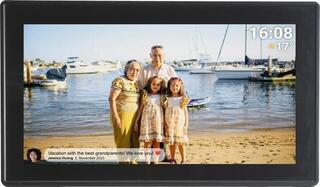
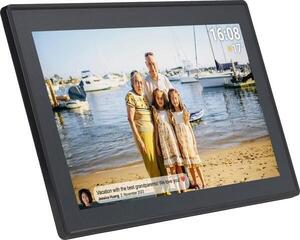
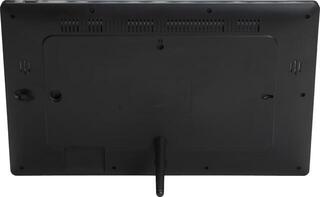
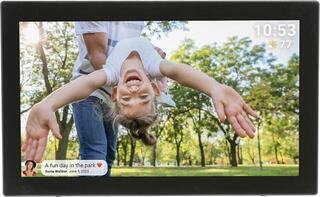
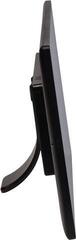
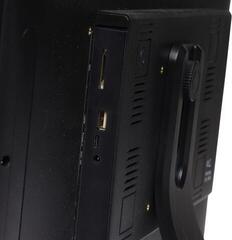
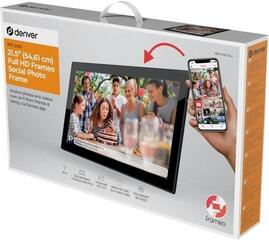
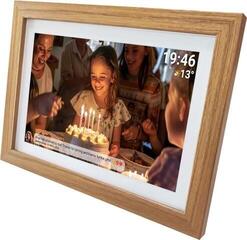
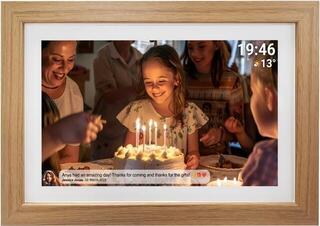
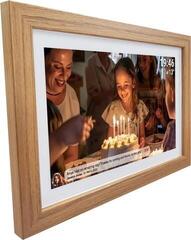
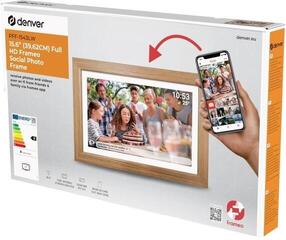
A digital photo frame displays photographs on a screen, so you do not need to print or frame them. Images rotate as a slideshow and can be loaded from a memory card, USB drive or, depending on the model, a wireless connection. When choosing, consider the screen diagonal, display resolution, method of uploading photos and controls. The range also includes models from Denver.
Display, connectivity and controls
| Parameter | What it means | What to consider |
|---|---|---|
| Screen diagonal | Display size, from small desktop frames to larger wall-mounted models | Match it to the place where the photo frame will be positioned |
| Resolution and display type | Image sharpness and viewing angles | A higher resolution is especially useful on larger displays |
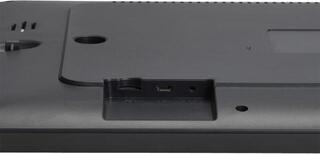
| Memory and connectivity | Card, USB or wireless upload | Check which media the model supports |
| Controls | Buttons, remote control or touchscreen | For a gift intended for an older user, look for simple operation |
What to check before choosing
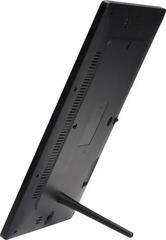
- The dimensions and placement method: tabletop or wall-mounted.
- Supported image formats and, where relevant, video formats.
- Internal memory and the option to expand it with a card.
- Features such as a clock, calendar and display scheduling.
- The power cable length and a suitable position near a socket.
If you first need to take the photograph, see digital cameras. For accessories such as tripods and bags, see photo and video accessories. You can browse the wider selection in Photo & Video.